
How to Choose Top Concert LED Screens from China?
Live concerts now depend on large, bright displays that remain clear under stage lighting, camera exposure, and changing weather. Pollstar’s 2023 Year-End report recorded approximately $9.17 billion in gross ticket sales among the top 100 worldwide tours. That scale shows why screen reliability matters: a failed cabinet can interrupt sightlines, camera feeds, and tightly timed stage cues.
Choosing Concert Led Screens from China takes more than comparing prices or pixel pitch. Buyers should assess viewing distance, brightness, refresh rate, color consistency, cabinet weight, and protection against dust or moisture. Ask suppliers for current test reports, product specifications, warranty terms, and references from comparable tours. A sample panel should be checked with the actual playback equipment, not only viewed in a showroom. Test it live. Small differences between panels can become obvious across a wide stage.
Factory visits and video calls can help, but neither replaces clear documentation and practical testing. Some supplier pages make impressive claims. The details may still be incomplete. Confirm whether quoted brightness is measured under stated conditions, whether spare modules are included, and who provides technical support during installation. China has experienced LED manufacturers, yet quality varies by product line and production batch. A careful shortlist should weigh verified performance, communication, delivery planning, and after-sales service together. There is no single best screen for every venue. The right choice fits the show’s viewing distances, content, budget, and operating conditions—and leaves room to question any specification that cannot be independently verified.
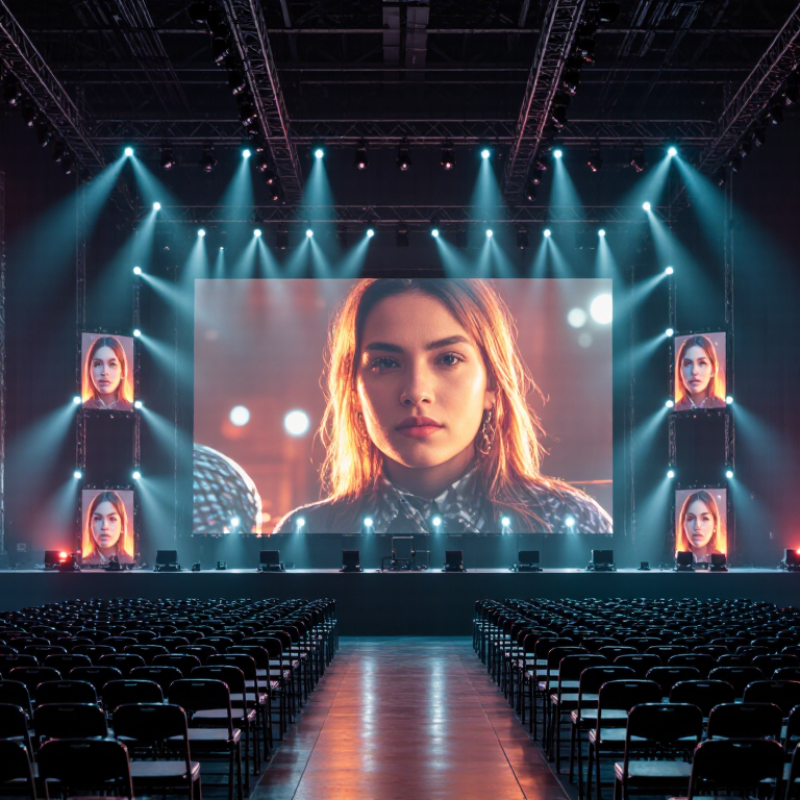
Set Pixel Pitch by Viewing Distance: 1 mm Pitch ≈ 1 m Viewing
Treat “1 mm pitch ≈ 1 m viewing distance” as a practical starting point, not a fixed rule. For a 2.5 m nearest seat, a 2.5 mm screen may look smooth enough; finer pitch can reveal more detail, but costs more and may not improve the audience’s view. The relationship also depends on eyesight, content, and camera use.
ITU-R BT.500-15 uses a viewing distance of about three image heights for HDTV picture assessment; ITU-R BT.2022 uses about 1.5 image heights for UHDTV. These are assessment geometries, not LED pixel-pitch specifications. AVIXA’s DISCAS guidance also links display sizing to viewing distance and image legibility. Use such references as context, then check the actual venue: a front-row guest reading small text has different needs from someone watching broad stage visuals. The one-to-one rule is useful, but imperfect.
Tips: Measure the nearest and farthest seats. View a test screen from both, including fine text and moving footage. For concerts filmed on camera, check for moiré at the intended camera angles. A pitch that looks crisp in a showroom can still disappoint under stage lighting.
How to Choose Top Concert LED Screens from China? — Set Pixel Pitch by Viewing Distance: 1 mm Pitch ≈ 1 m Viewing
| Pixel Pitch | Approximate Starting Viewing Distance | Typical Concert Application | Brightness Planning Range | Camera and Image Considerations | Key Checks When Comparing Panels |
|---|---|---|---|---|---|
| 1.5 mm | About 1.5 m | Close-view indoor stages, broadcast sets, and premium front-of-stage displays | Indoor: approximately 800–1,500 nits | Fine pitch supports detailed images at close range. Check camera test footage for scan-line or moiré effects. | Confirm the actual pixel pitch, module consistency, service access, and processing compatibility. |
| 1.9 mm | About 1.9 m | Indoor concerts, side screens, and stage backdrops viewed from relatively near seats | Indoor: approximately 800–1,500 nits | Offers more detail at short distances than wider pitches; camera settings and LED scan behavior still matter. | Request the native resolution, cabinet dimensions, refresh-rate specification, and camera test results. |
| 2.6 mm | About 2.6 m | Indoor main screens and medium-size venue displays | Indoor: approximately 800–1,500 nits | A practical balance of image detail and viewing distance for many indoor production layouts. | Check brightness uniformity, color calibration, viewing angle, and the signal processor's input capacity. |
| 2.9 mm | About 2.9 m | Indoor stages and covered event spaces with moderate viewing distances | Indoor: approximately 800–1,500 nits | Suitable when most viewers are several metres away; test the content at the nearest expected audience position. | Verify the intended indoor or outdoor rating, cabinet protection, and access for maintenance. |
| 3.9 mm | About 3.9 m | Large indoor venues, outdoor stages, and audience-facing screens | Outdoor: approximately 4,500–7,000 nits, depending on ambient light and site conditions | Commonly suited to longer viewing distances. For daylight use, assess screen brightness and contrast on site. | Check weather protection, structural loading, power distribution, and brightness control for night-time use. |
| 4.8 mm | About 4.8 m | Large outdoor concerts, festival screens, and long-distance viewing areas | Outdoor: approximately 4,500–7,000 nits, depending on ambient light and site conditions | Works best when the audience is farther from the screen; close viewers may notice individual pixels. | Confirm outdoor protection, cabinet weight, wind-load requirements, service access, and safe rigging provisions. |
Planning note: The 1 mm pitch ≈ 1 m viewing distance rule is a rough starting point, not a guarantee of image quality. Final pitch selection also depends on the nearest audience position, screen size, content, camera use, ambient light, and viewing conditions. Brightness ranges are planning estimates; confirm measured specifications and venue requirements with the supplier.